cutview is the new machining simulation of linuxcncMulti. It shows the machine in real time, removes the material exactly as the tools cut it away and reports collisions with the workpiece in its current state. This post shows what is new and how cutview differs from the material removal view in mchmi today.
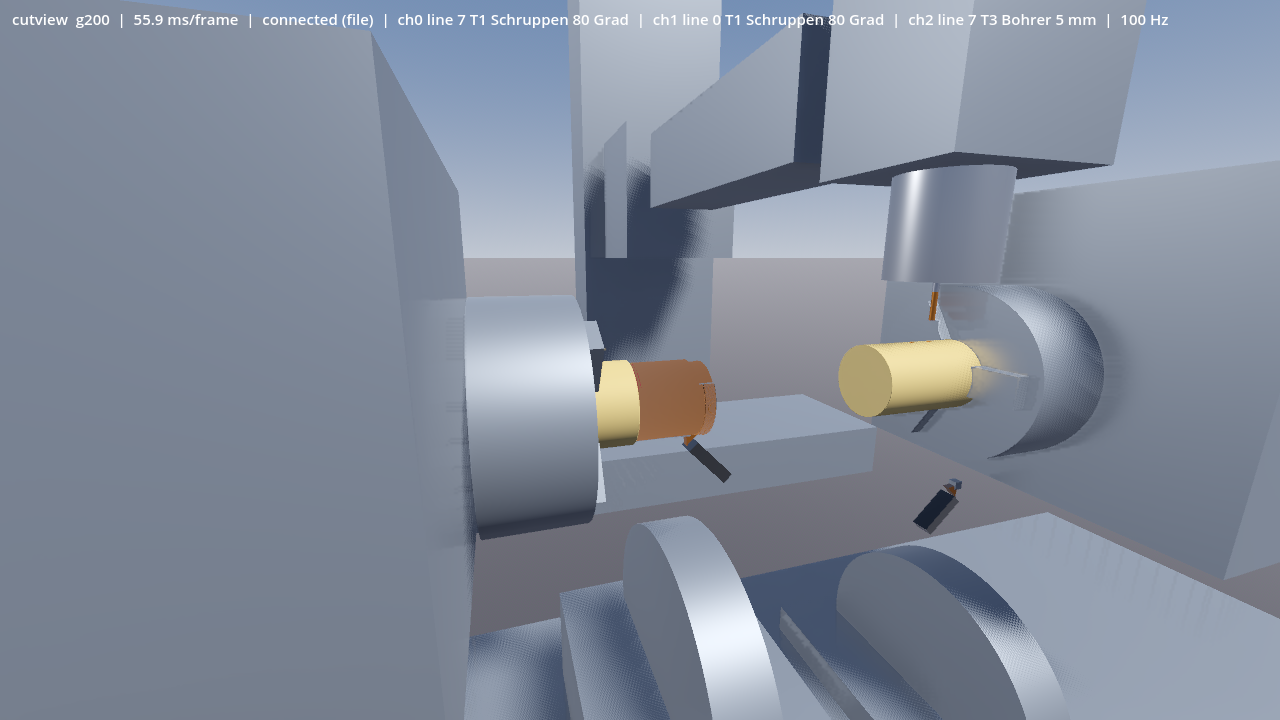
Simulation of an INDEX G200: turret 1 turns the outer diameter on the main spindle while the milling head drills the counter spindle part. The status line shows block and tool of all three channels.
What the current view does
The operator panel mchmi already has a material removal view. It shows turned parts as a radius over length and angle and milled parts as a height map on the table. For many programs that is enough. The model cannot show undercuts, though. A tilted cutter cuts only approximately, and the collision check works with points on the holders.
New: a true 3D material model
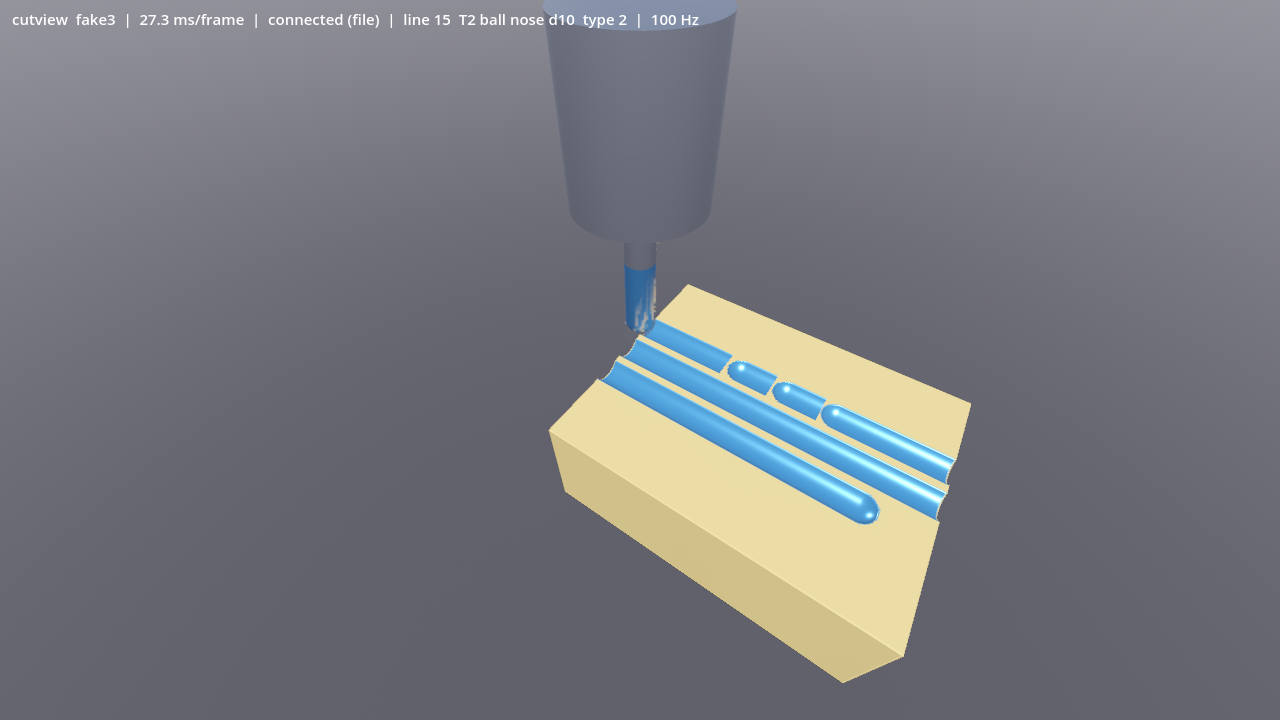
cutview keeps the stock in a model of three sets of parallel rays. Every ray stores where material begins and ends. Undercuts, cross holes and pockets from below are therefore kept, whatever direction the tool comes from. Every tool shape cuts its exact swept volume: end mills, ball and bull nose mills, drills, chamfer and disc cutters and free profiles. Turning inserts and parting blades cut a solid of revolution, just as the turning spindle produces it. The shapes come from the control's tool file.
Several channels
The current view follows one tool. cutview keeps one tool per channel, each with its own tool file, and computes all of them at the same time:
- Every chuck has its own stock. Main and counter spindle are machined independently.
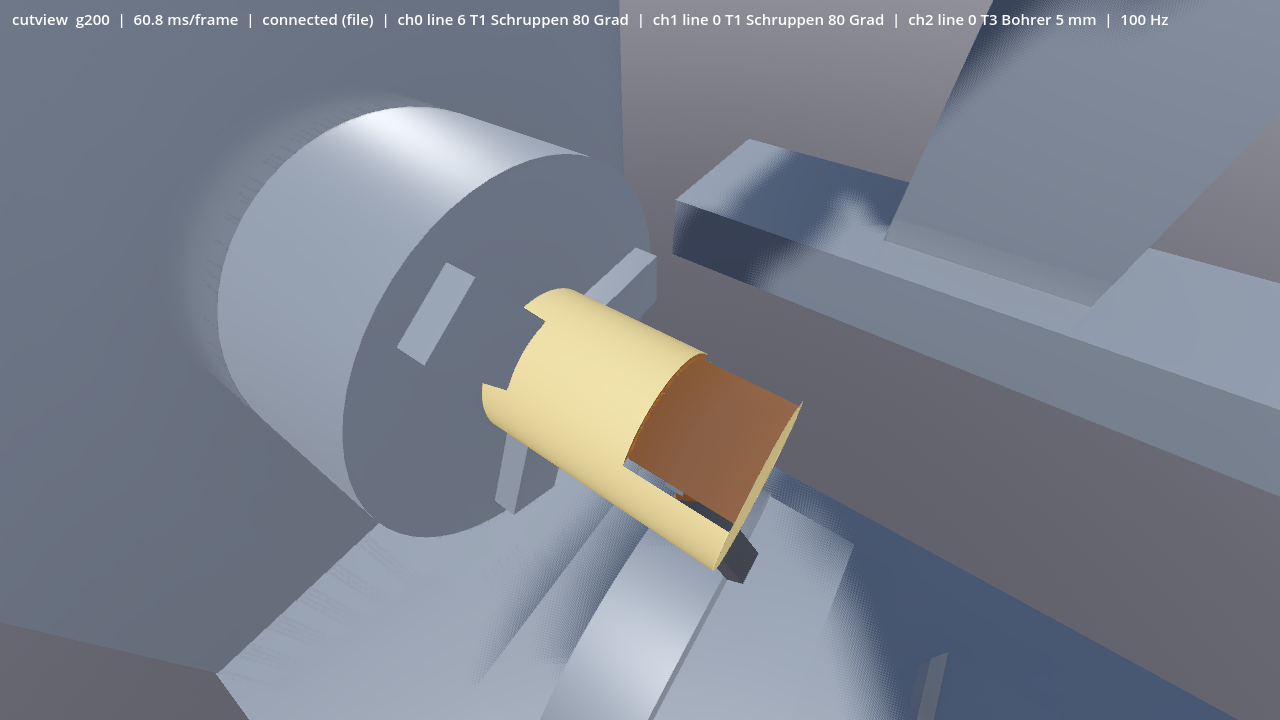
- When the spindle turns, a turning tool cuts a solid of revolution. With the spindle positioned in C mode, the driven tools mill and drill the rotated part, so cross holes land where the C axis stood.
- The part transfer from the main to the counter spindle follows the chuck signals of the control. The part moves into the other chuck with its machining state.
- The status line shows block and tool for every channel.
Collision checks against the current stock
For crash prevention it matters what is checked against. A check against the stock in its initial state reports collisions where material was milled away long ago. Real collisions with material that is still there go unnoticed. cutview always checks against the material as it is at that moment.
- Holder and shank against the workpiece: the non-cutting part of the tool is compared with the current material model. When the holder enters material, cutview reports the penetration depth.
- Tool against machine: tool, holder and spindle nose are checked against the bodies of the machine, such as jaws, chuck, table and headstock. Pairs of machine bodies, such as head and swivel table, can be configured as well.
- Rapid into material: a rapid move that removes material is reported with the removed volume. The surface turns red.
- Every event names block, channel, tool, the bodies involved and the depth. The contact point is marked, the body hit turns red, and the event log keeps the latest messages.
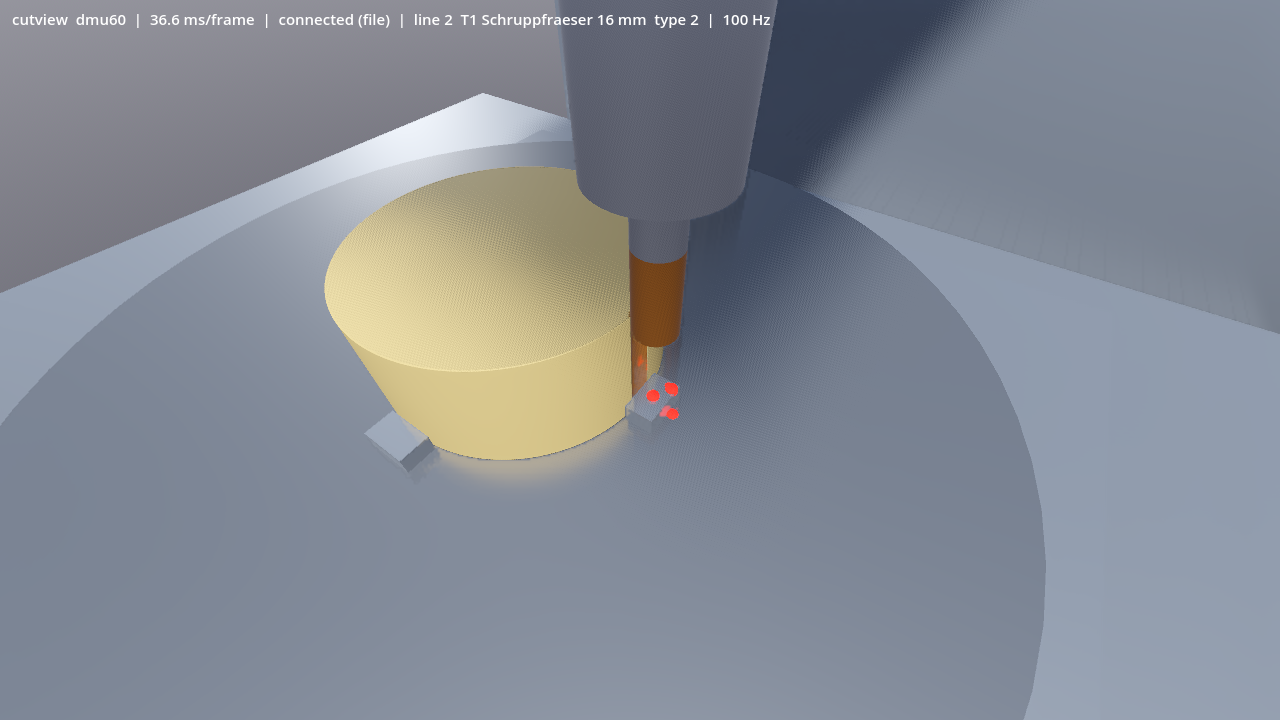
DMU 60 with swivel rotary table: the end mill plunges next to the stock. Holder and shank hit the jaw and the table; the contact points are marked red.
cutview shows and logs collisions. It does not act on the control and does not stop a machine. It pays off when new programs are proved out and in simulation.
Five axes and any kinematics
The machine is described as a tree of axes and bodies. Table-table, head-head and mixed kinematics all work the same way. When the tool orientation changes, cutview splits the move into small steps. The error stays below a fifth of the grid spacing and always lies on the side of removing slightly more. The DMU 60 and INDEX G200 examples are checked numerically against the kinematics of the simulation models.
Real time stays untouched
cutview is a program of its own with its own graphics output. A small service reads the positions from HAL at 250 Hz and puts them into shared memory. cutview reads them there without slowing the control. At start-up and continuously while running it checks that none of its threads runs on a real-time core. We measure the latency on the target computer before cutview ships on machines.
Current and new at a glance
| mchmi today | cutview | |
|---|---|---|
| Material model | radial model or height map, no undercuts | 3D from three ray directions, undercuts kept |
| Tools | simplified shapes | exact swept volume per shape, turning inserts as solids of revolution |
| Channels | one tool in the view | one tool per channel, all at once |
| Stocks | one part per view | one part per chuck, transfer between spindles |
| Collision | points on the holders | bodies against the current material and machine bodies, with depth, block and channel |
| Five axes | approximate | orientation changes with a bounded error |
| Execution | inside the operator panel | own process, own cores, graphics card |
Status
cutview is part of the Enterprise edition and in development. Material model, tool shapes, five-axis moves, turning, multi-channel operation and collision checks run in simulation and are covered by automatic tests. Analysis functions come next: comparison with the finished part, measuring, a section plane, export and a timeline to rewind. You can try the current material removal view in the test instance; the Features page describes the functions of the control. Would you like to see cutview on your machine? Talk to us.